
Support Forum
How can I set a default for the state or province field in the checkout page to our company's state? - Sat - Mar 30, 2024 - 8:31am
-
 Head to your Account settings > Checkout optionsThere's a new option labeled, "Would you like to have a default state/province pre-selected during checkout?"
- Change the setting from "No" to "Yes"
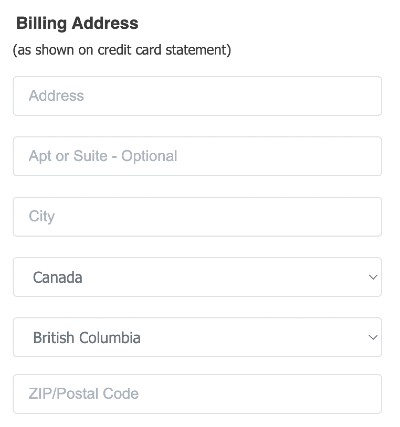
- Choose the state or province where your organization is based as seen below
- At checkout for both the public and in the box office, we'll use that as the default pre-selected state/province as a part of the Billing Address

View our video tutorials
Where can I post a refund policy? (Terms and Conditions)
How can I change the address and phone number on the Ticket, thermal ticket and email?
Can I remove the billing address so our customer can skip it?
Can I add links to my Purchase Terms/Conditions
Getting Started with ThunderTix - A How To Guide
Can I add multiple tax rates?
How do I hide my event website from search engines?
