On the Guest List, the comments will show next to the Order number. There will be a solid blue speech bubble for the customer comments and an outlined version of the speech bubble for admin comments. You just need to hover over the speech bubble to read the comment.
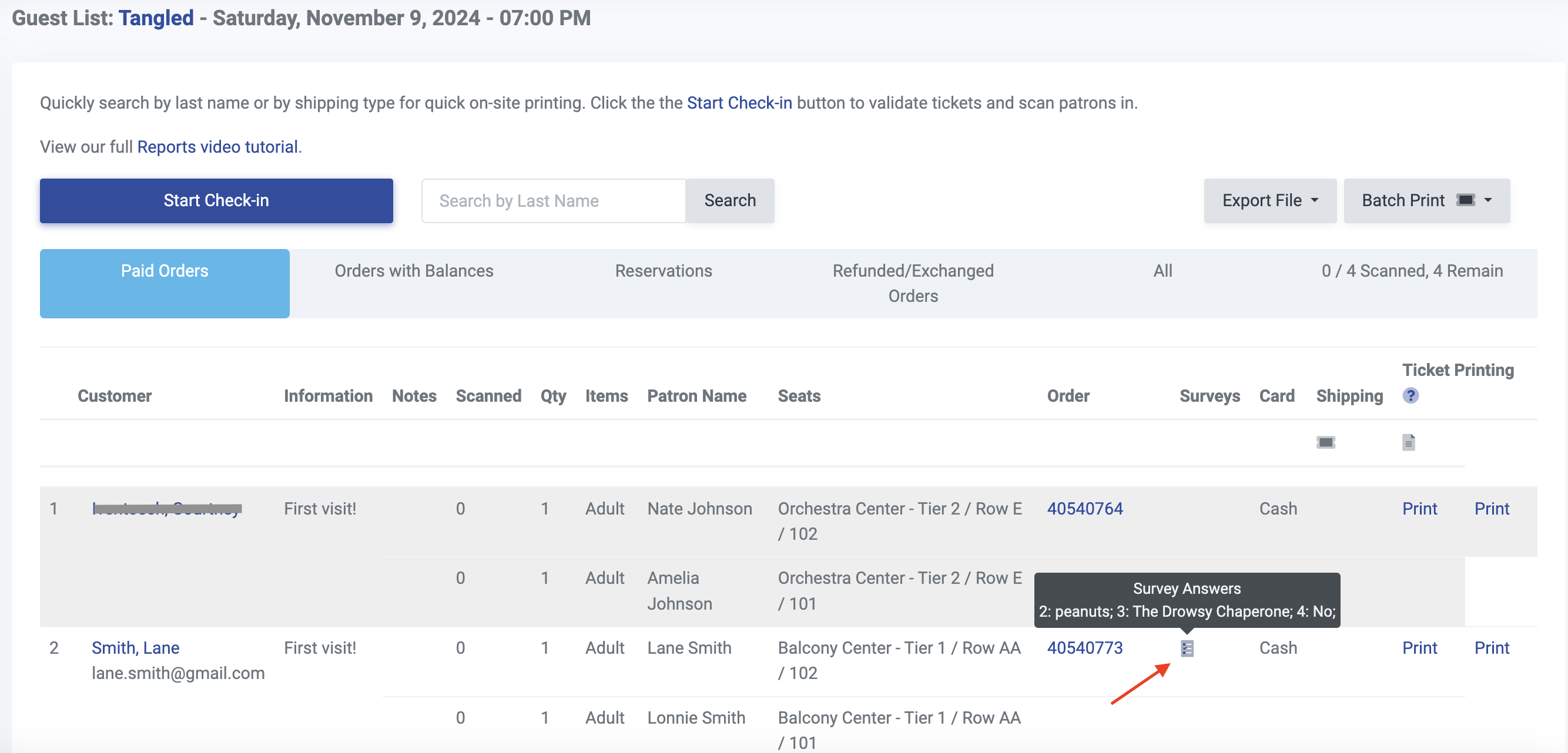
Survey results collected during checkout are also included in your guest list. Whenever a customer submits answers to a checkout survey, we will include it in the guest list as a survey icon as seen below.
In addition, you have the option to export the guest list to a CSV file. There will be a column for customer Comments in that file that includes comments provided, if applicable.