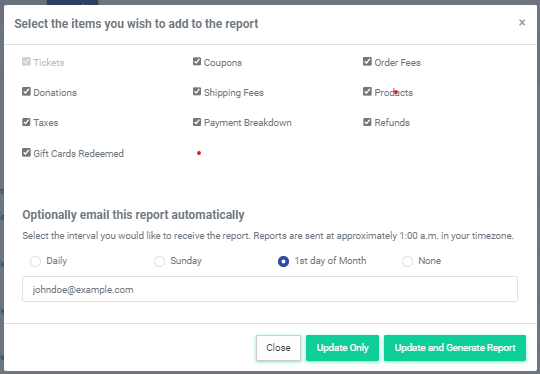
Event Settlement reports can be emailed to select email addresses either daily, weekly, or on the first of the month.
To opt in to receive an event sales report automatically, follow these steps:
1. Head to Events >> Event Manager 2. Under the Reports column, select the Event Settlement report 3. Select the recurring time you wish to receive the report; either daily, weekly, or monthly 4. Enter the email address(s) you wish to send the report to 5. Select 'Update Only' to save the changes without generating a report