
Support Forum
Utilizing Guest Check In - Thu - Jan 25, 2024 - 5:23pm
-
 While you do have the option to scan tickets, you can also use the Guest List to check customers in.
To utilize the Guest List:
1. Go to Event Manager >Click on the name of your event > locate the specific performance you want to see the guest list for > Reports
2. Click on the Guest List Icon (it will be the first icon that looks like a person)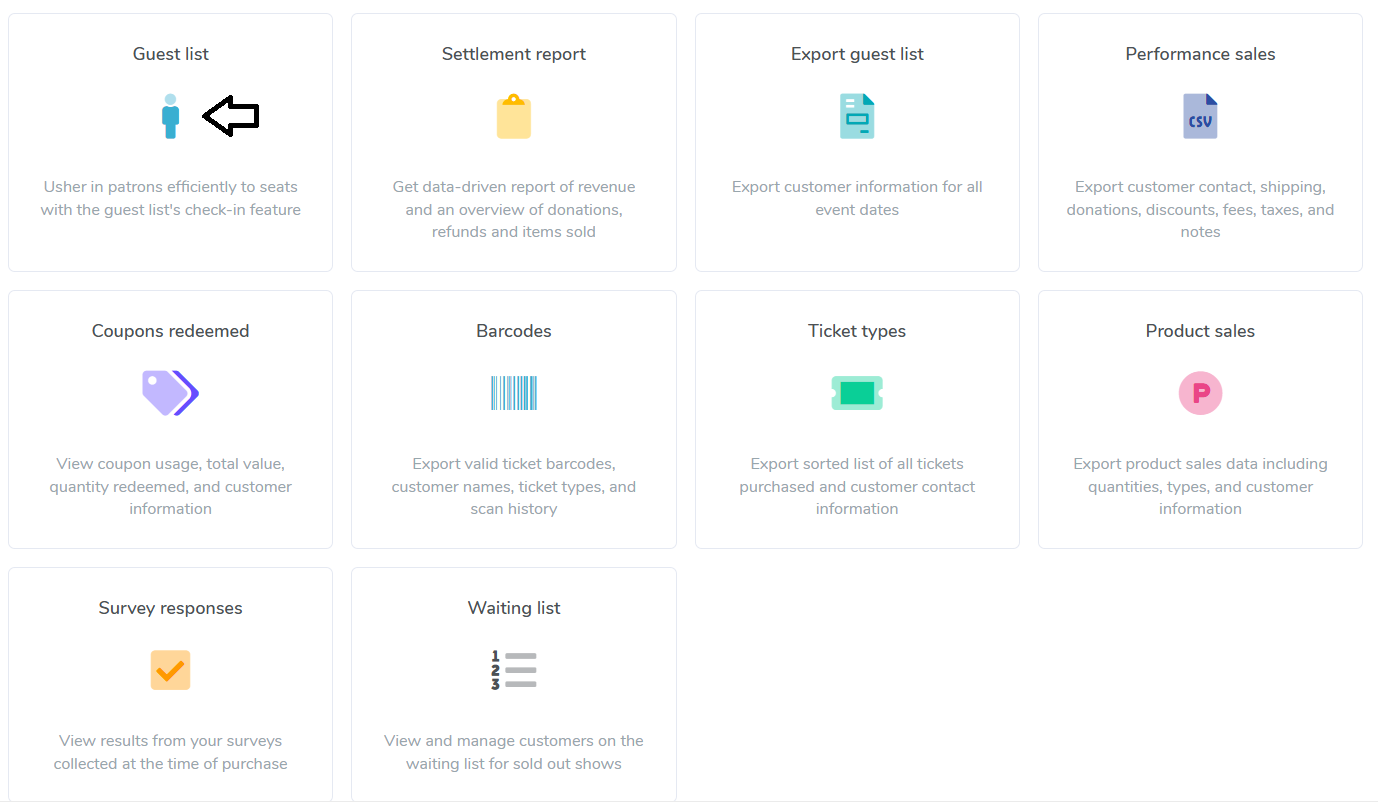
3. Click the 'Start Check In'' button.
4. It will bring up every customer on the Guest List, as well as their individual barcodes.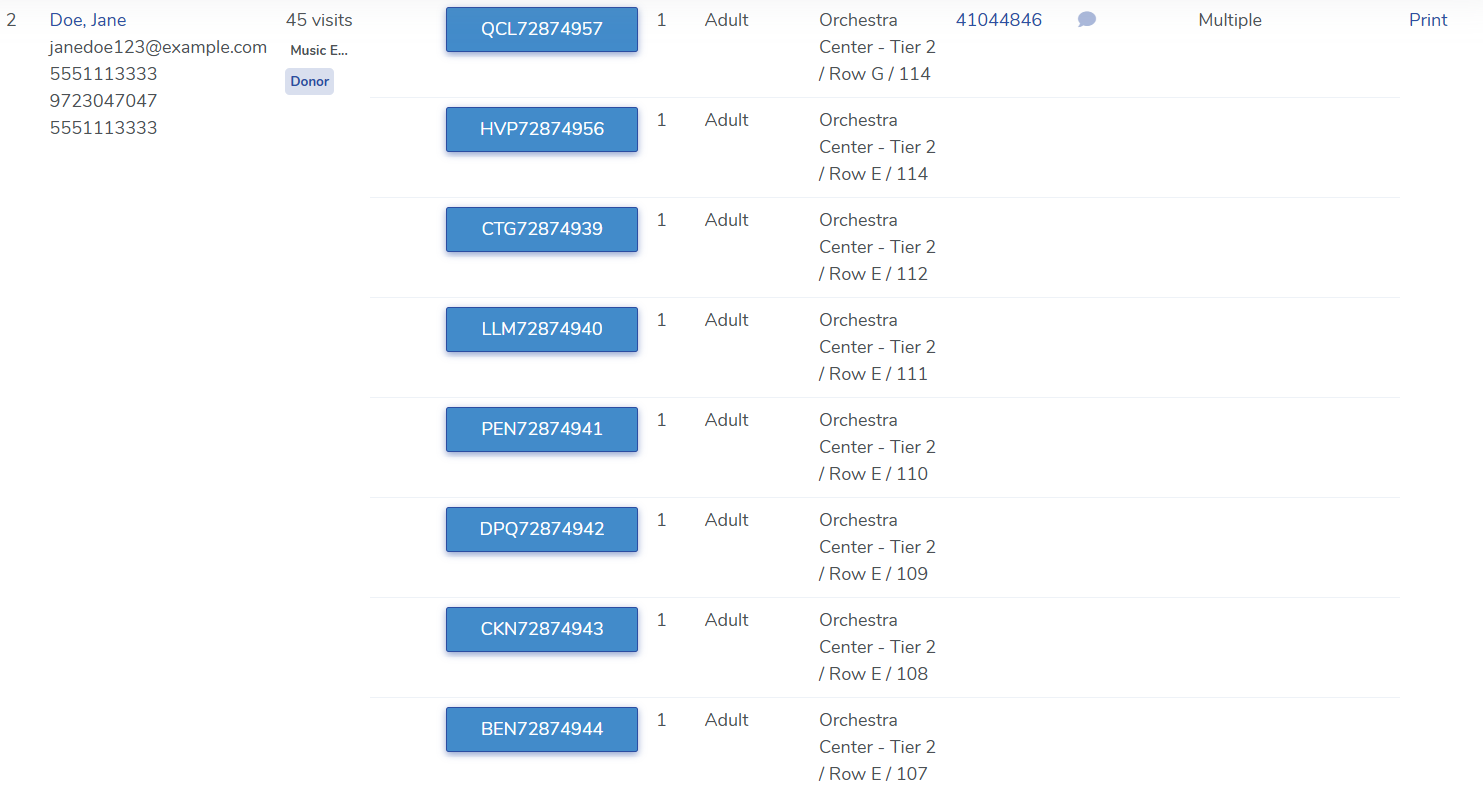
5. Click on the barcodes to scan your guests in.
View our video tutorials
Will the scanners identify the ticket type and display the name at the time the ticket is scanned?
How do I scan barcoded tickets for an event?
Are there available USB scanners that once they're in the cradle the scan light stays lit?
Barcode Scanning: How To Guide
Barcodes: Using the Order Lookup Tool
How can I do some test scans to prepare for my event?
Can we set the computers to make an audible tone when scanning tickets?
