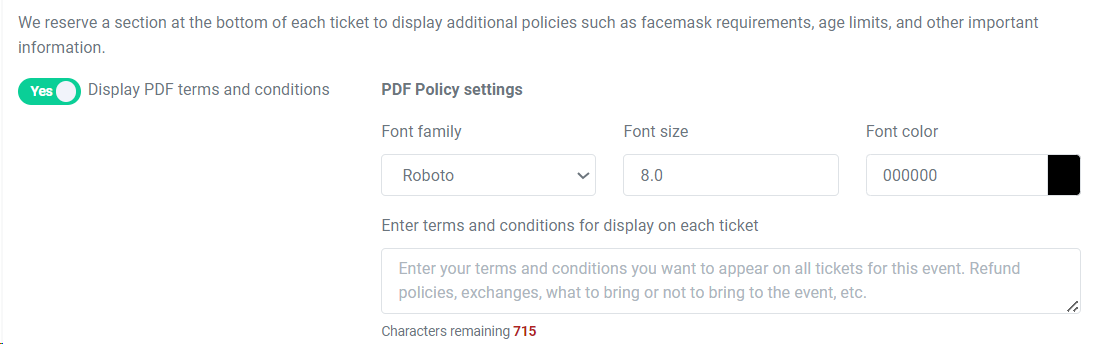
You can customize the PDF ticket terms and conditions in your Event Settings.
Each PDF ticket is customizable PER EVENT.
To customize the bottom text of your eTicket, head to Event Manager > Click on the name of your event > Ticket Delivery> eTicket Designer.
At the bottom of the page, you should see this section: First, make sure the 'Display PDF terms and conditions' toggle is turned to Yes.
Once that is toggled, use the text box to enter in any details you'd like. This can be refund policies, age limits, or any other important information you'd like to display.