Does your organization like to send out postcards or mail reminders for upcoming events throughout the season? You can now generate a postal mailing list!
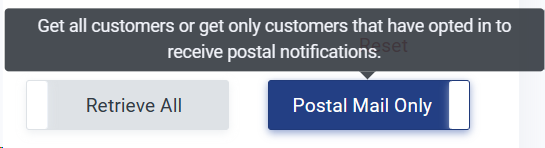
To generate the list head to Patron Database > Search and Mass Mail. There will be two toggles on the right. Click on the 'All Customers' toggle to generate a list. You can also exclude inactive or deceased patrons from your search results.
If you would like a list for only those who opted in, toggle the 'All Customers' button to 'Postal Mail Only.'
image.png18.88 KB From there, simply click 'Search Customers' to generate a list of your customers mailing addresses. Then click 'Export Results' to export the list.