
Support Forum
Can I set a quantity on my products? - Tue - Oct 26, 2021 - 2:18pm
Inventory can be added to a product item to keep track of sales and incoming additional inventory. To add inventory to a product item please follow the steps below:
- From your Revenue Builders tab >> Products
- Under the Inventory column, click the default 'Unlimited' inventory
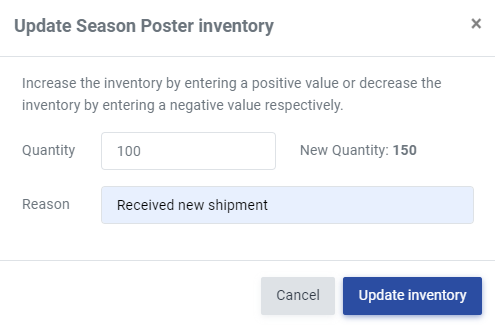
- Add the quantity for the number of items you currently have in stock and a reason for the increase or decrease in inventory
- Click Update inventory
Sign up for email notifications that alert you when a product is purchased. This can help aid in the tracking of quantities of different products. Follow the steps below to sign up for this notification:
- Head to Account Settings >> click Email Notifications
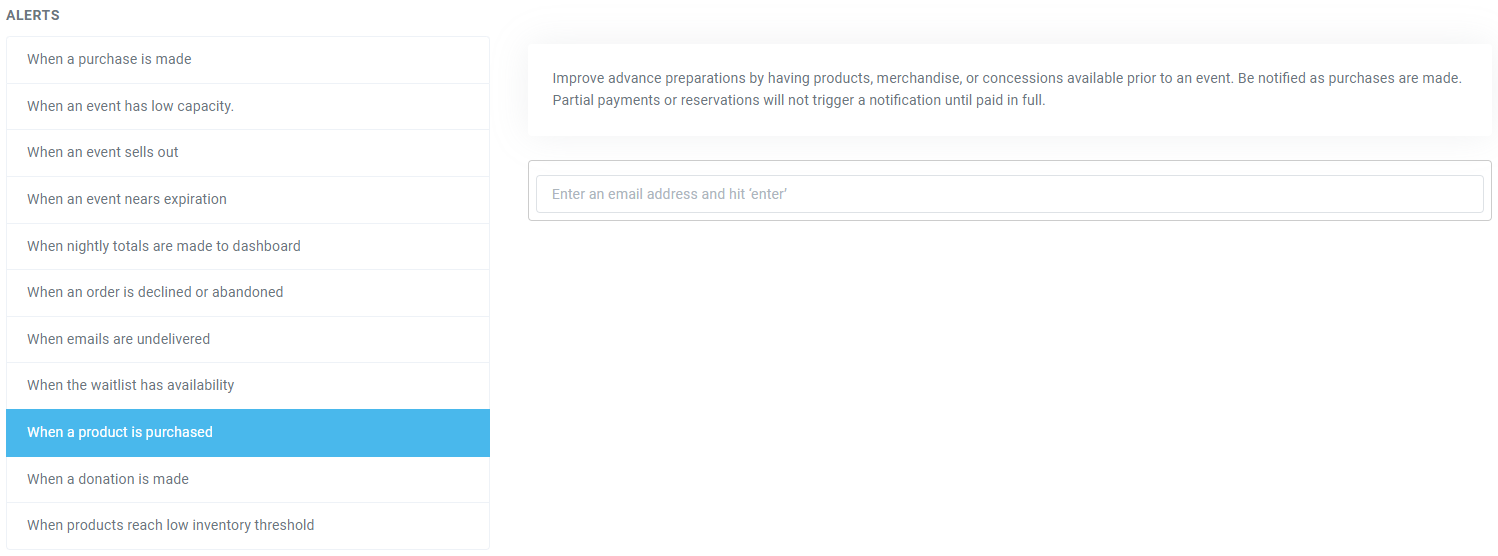
- Under ALERTS > 'When a product is purchased', add your email address to receive an alert.
Sign up for email notifications that alert you when your product reaches the defined low inventory point. Follow the steps below to sign up for this notification:
- Head to Account Settings >> click Email Notifications
- Under ALERTS > 'When products reach low inventory threshold', add your email address to receive an alert.


