
Support Forum
Can I search for a customer's order on the performance seating chart? - Tue - Jan 27, 2026 - 11:18am
-
 To search for a customer's order on a performance seating chart please follow the instructions below:
- Head to Events > Event Manager > Click on the name of your event > Click Sell on the performance you want to search for
- Enter in the last name in the search box in the top right hand corner.
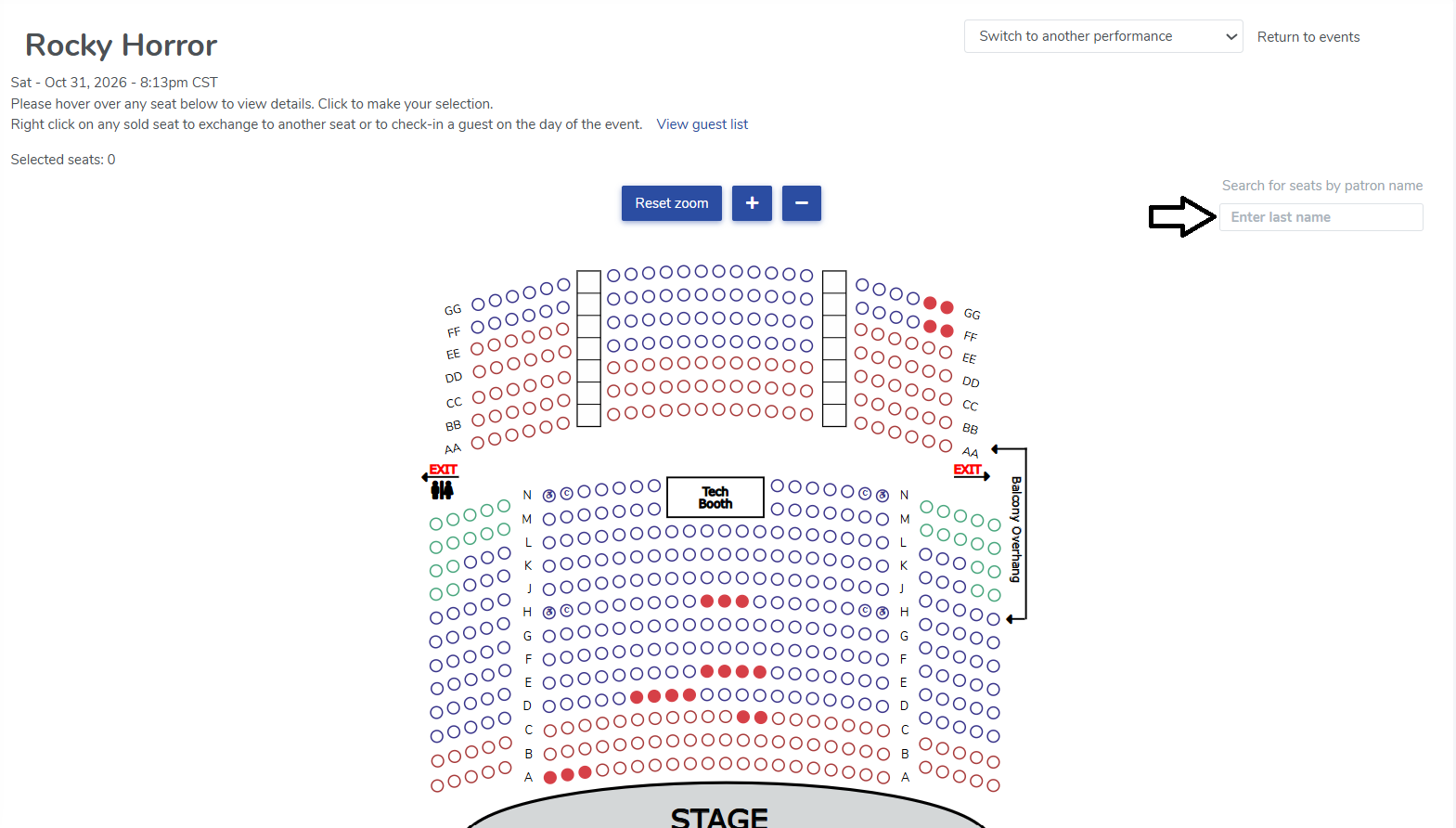
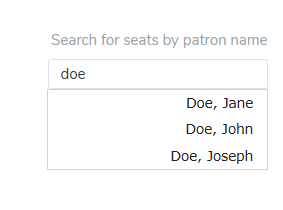
- Select the customer from the results in the drop down menu
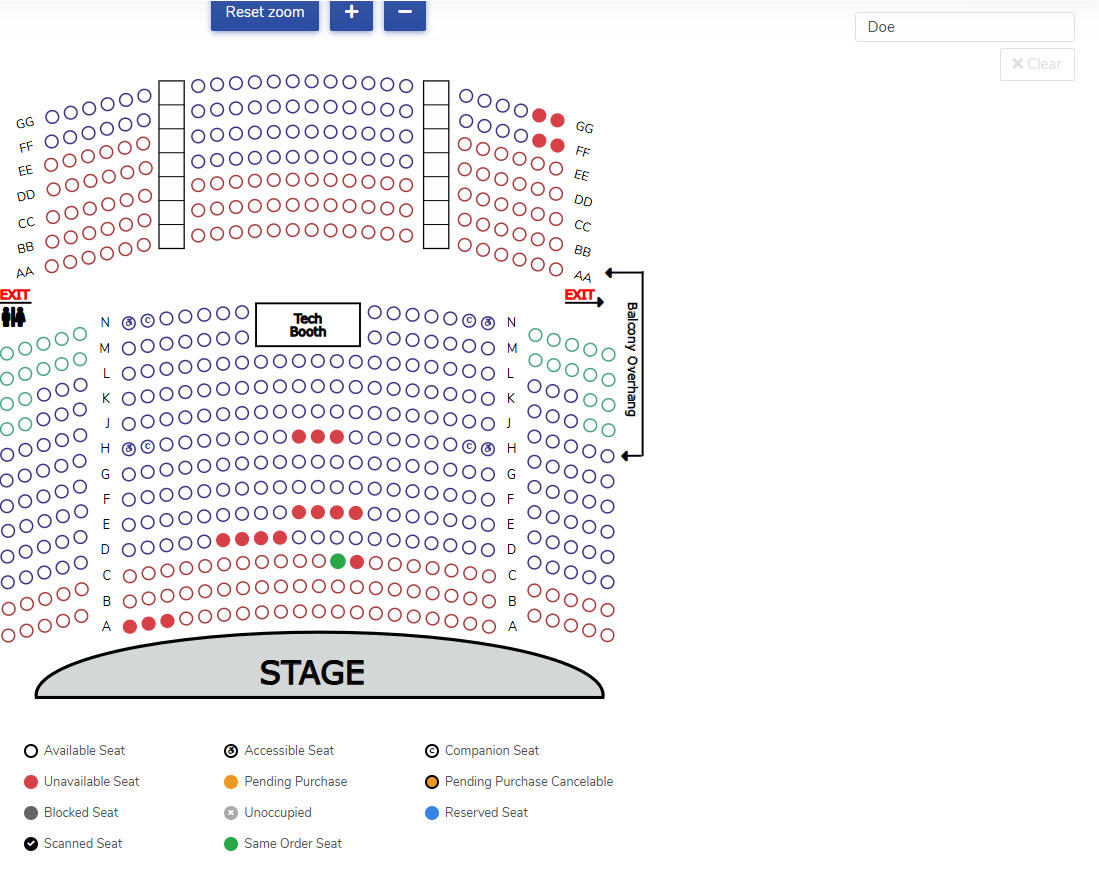
- We will highlight the customer's seat in green. You can just click on the seat to be taken to their order.


View our video tutorials
How do I delete an Order?
Why are orders missing from the Orders tab?
What happens to sales tax on an exchange?
How do I comp a ticket or comp an order (make a ticket complimentary)?
How can I waive fees for some orders?
How can we charge a small fee to our patrons for a ticket exchange?
Our show was canceled -- how do we process refunds?
