
Support Forum
How do I assign a group to an order? - Fri - Feb 20, 2026 - 3:15pm
-
 When you create an order from the admin side:
- Start a new order as usual in the admin.
- In the customer section, use the group/organization selection popup to search for an existing Group/Organization
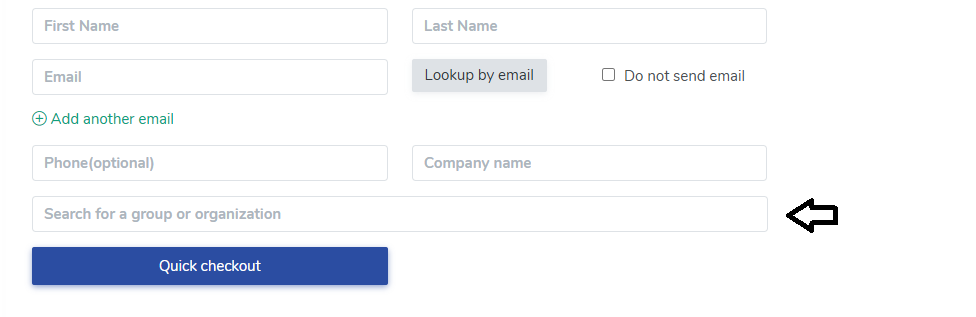
- Select the correct group.
After you save:- The group name will appear beneath the customer name on the order.
- The group name is a link—clicking it opens the full Group/Organization record.
- The buyer is automatically added as a member of that group if they aren’t already.
View our video tutorials
How do I delete an Order?
Why are orders missing from the Orders tab?
What happens to sales tax on an exchange?
How do I comp a ticket or comp an order (make a ticket complimentary)?
How can I waive fees for some orders?
How can we charge a small fee to our patrons for a ticket exchange?
Our show was canceled -- how do we process refunds?
