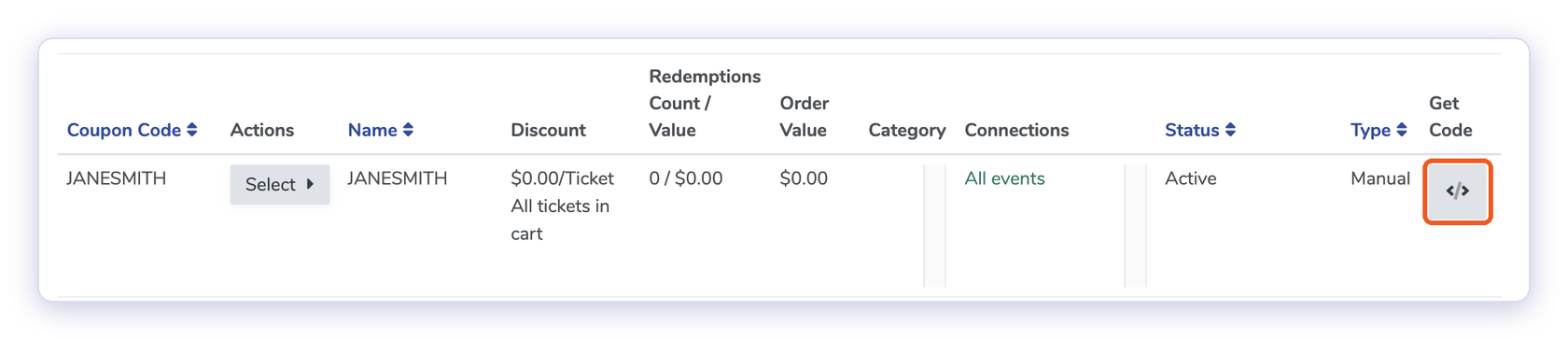
On the Coupons page, click Code in the "Get Code" column. Copy the Link URL (social media, text, QR code) or Link HTML (emails, websites) and send it to the affiliate. The coupon applies automatically when customers use the link. Get Code 3. Track sales
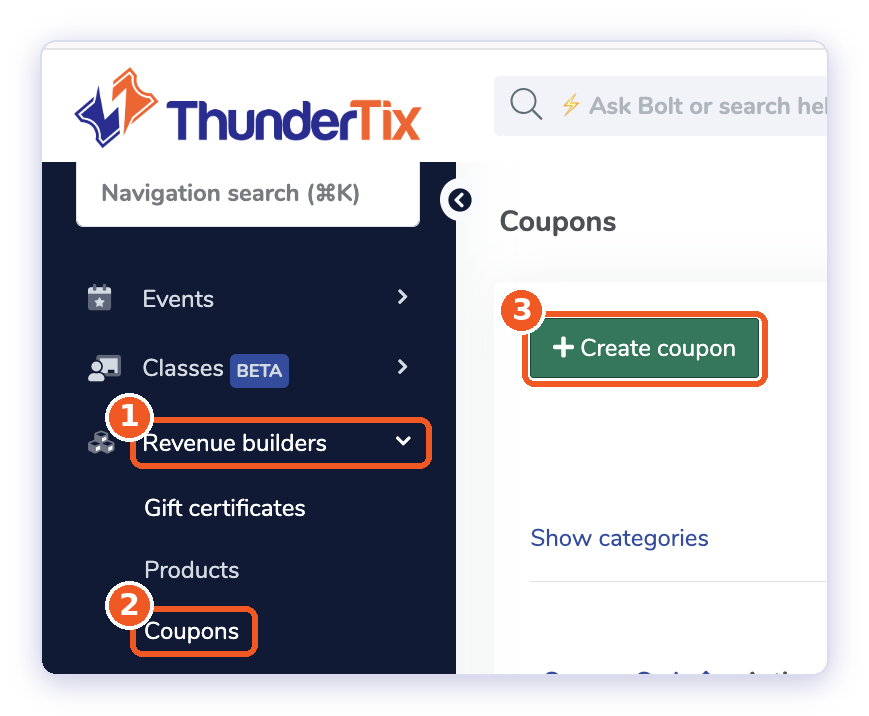
Go to Revenue Builders > Coupons and find the affiliate's coupon. You can type the code in the search field and click Search to find it faster.
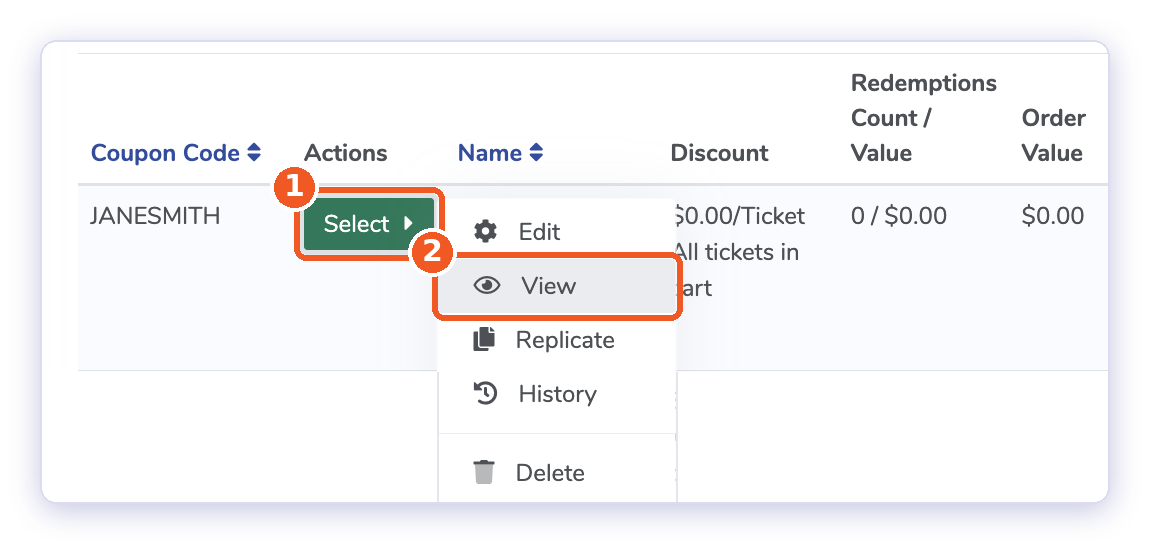
In the Actions column, click Select > View. This page shows the coupon details and a list of Redeemed Orders, including the order ID, customer name, order amount, and date. Choose a date range and click Search to filter the orders, or click Export orders to download them. View
Good to know:
The sale only counts if the coupon is still in the cart at payment.
For box office sales, staff can enter the code before payment.
Review refunds before awarding prizes or commissions.