
Support Forum
Where can I see total hours volunteers have worked? - Thu - Jun 26, 2025 - 4:44pm

There are a few different places you can see total hours your volunteers have worked.
To see total hours a volunteer worked on an event
To see total hours a volunteer worked on an event
- Head to Event Manager > Expired > Reports > Volunteer Assignments
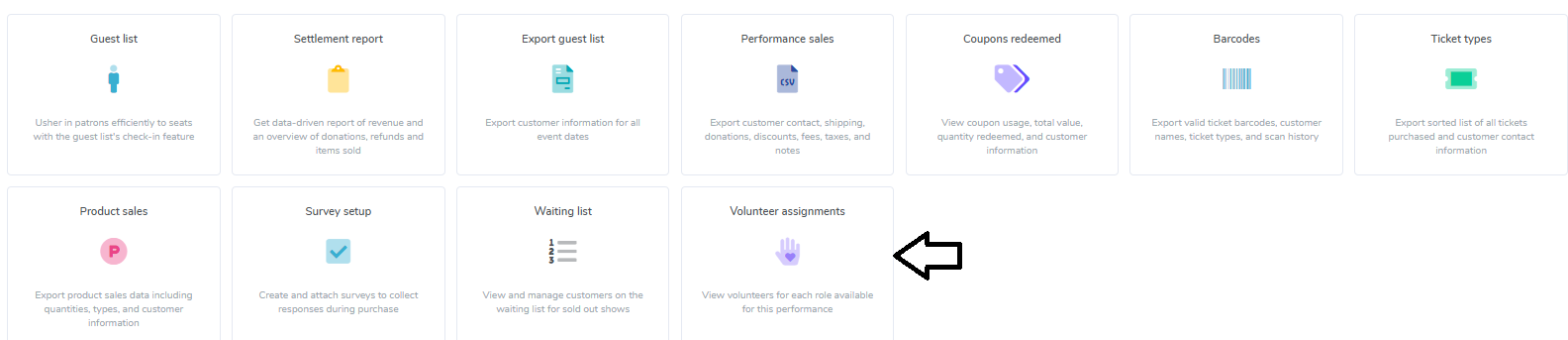
- Head to Reports > Downloads to see a CSV of all volunteers for that event. Below is an example of what the report will look like. Please note that at this time, these reports are only available for expired events.



To see total hours a volunteer has worked


View our video tutorials
How can I make an existing user a Volunteer?
How do I create a role for my volunteers?
How do I assign a volunteer to a role?
How do I create or assign volunteer opportunities for my event?
Registration process for volunteers
How can my volunteers sign up for opportunities?
How can I display a link on my public page for people to sign up to volunteer?
