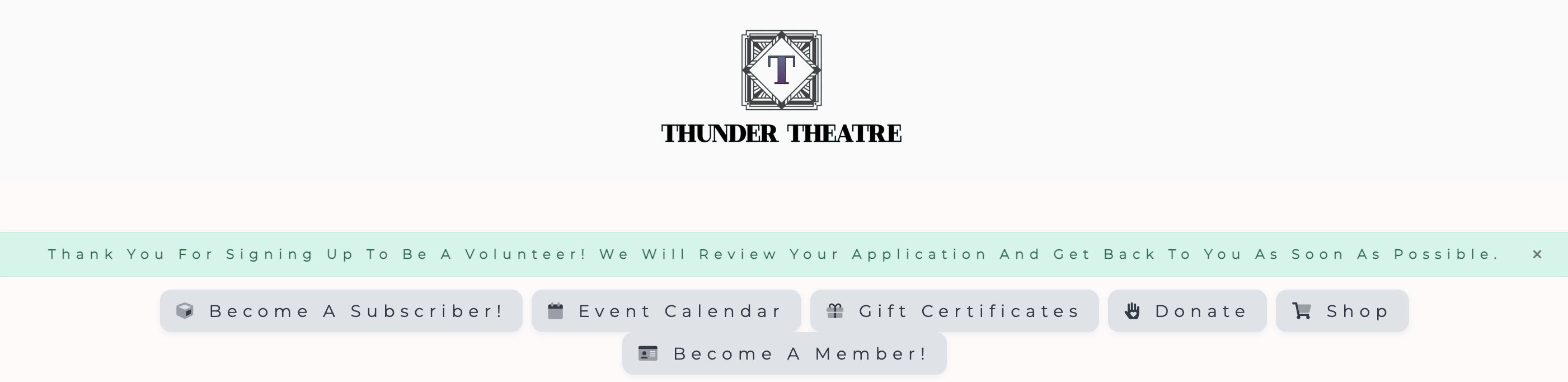
To register as a volunteer, they will sign up by filling out the form with the required information and upon clicking the "Sign Up to Volunteer" button, they will see the following message:
Notification seen after signing up to become a volunteer.
You, as the admin, then have the option to approve or decline the volunteer. To learn how to approve a volunteer that has signed up, please see the following: How do I approve a volunteer?