Volunteers are initially created in two different ways, as follows:
By the volunteers themselves, on the public side.
On the admin/box office side, by enabling the volunteer option for an existing user.
Admin/Box office side
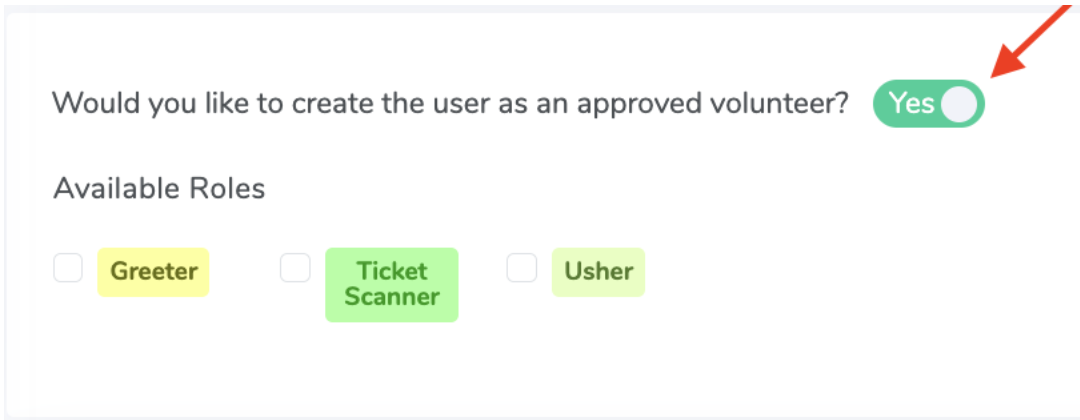
From the admin/box office side, an admin can enable a user to become a volunteer. To do so, navigate to Account Settings >> Users >> click on the Login for the user >> Edit Profile >> switch the toggle to "Yes" for the Would you like to create the user as an approved volunteer? portion, as seen here:
Screenshot of toggle to create a user as an approved volunteer.