Volunteers are initially created in two different ways, as follows:
By the volunteers themselves, on the public side.
On the admin/box office side, by enabling the volunteer option for an existing user.
Public side
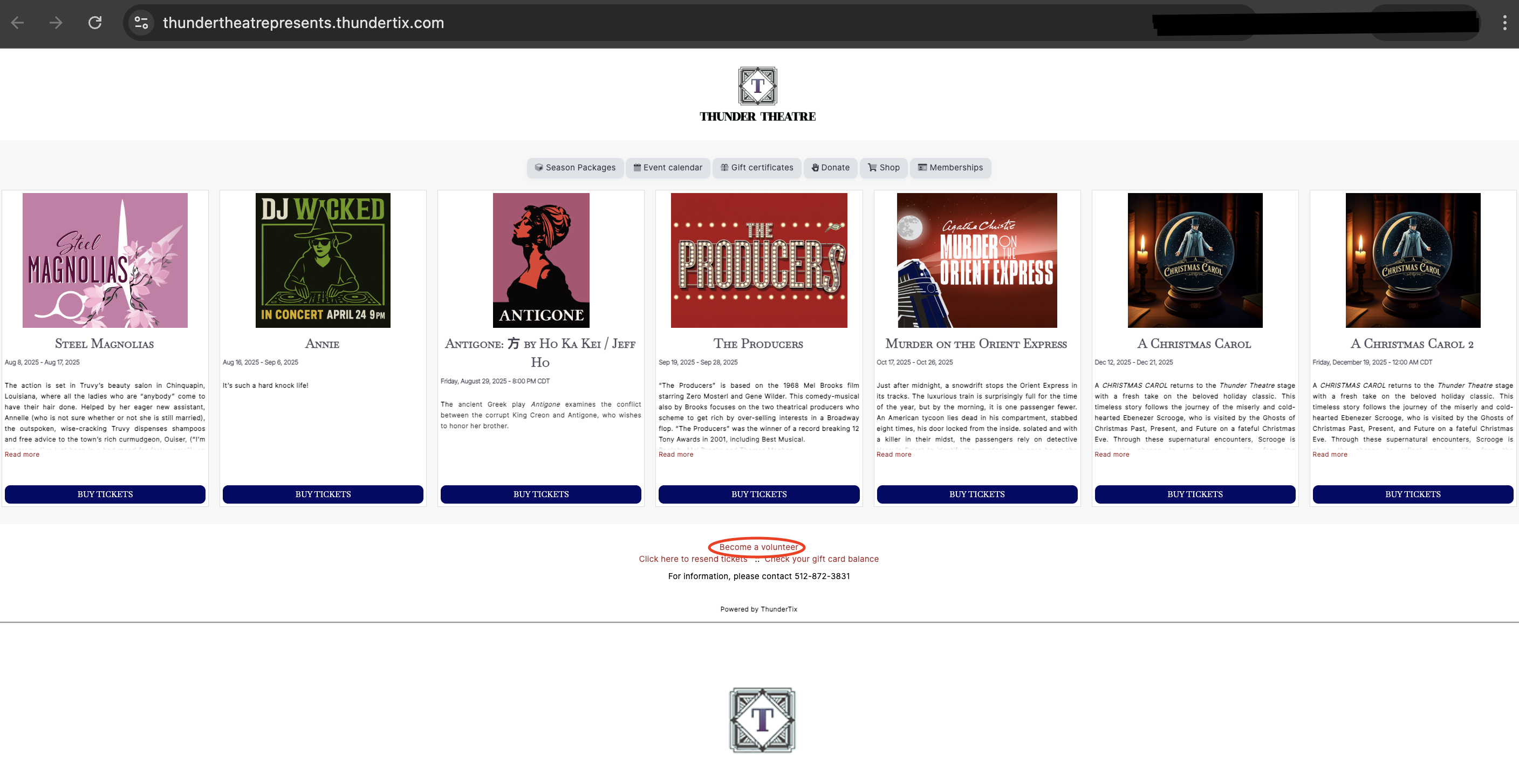
A volunteer can sign up on your public page, if that setting is enabled (Volunteer manager >> Volunteers >> Public volunteer signup >> switchDisplay a link on your public events page to recruit new volunteers to be "On"). Once enabled, on your public page, they will see the following option to sign up:
Screenshot of "become a volunteer" link on public page.