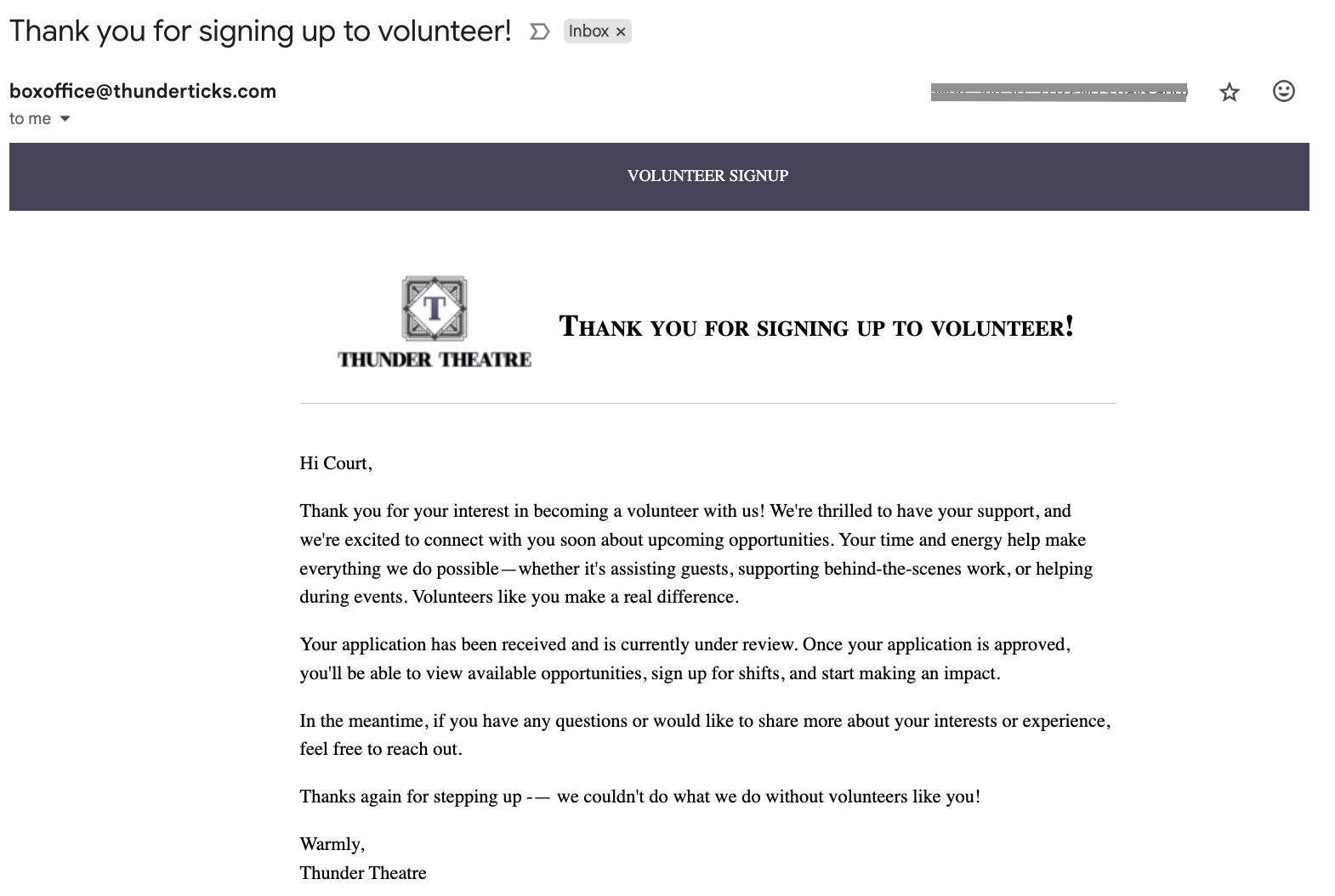
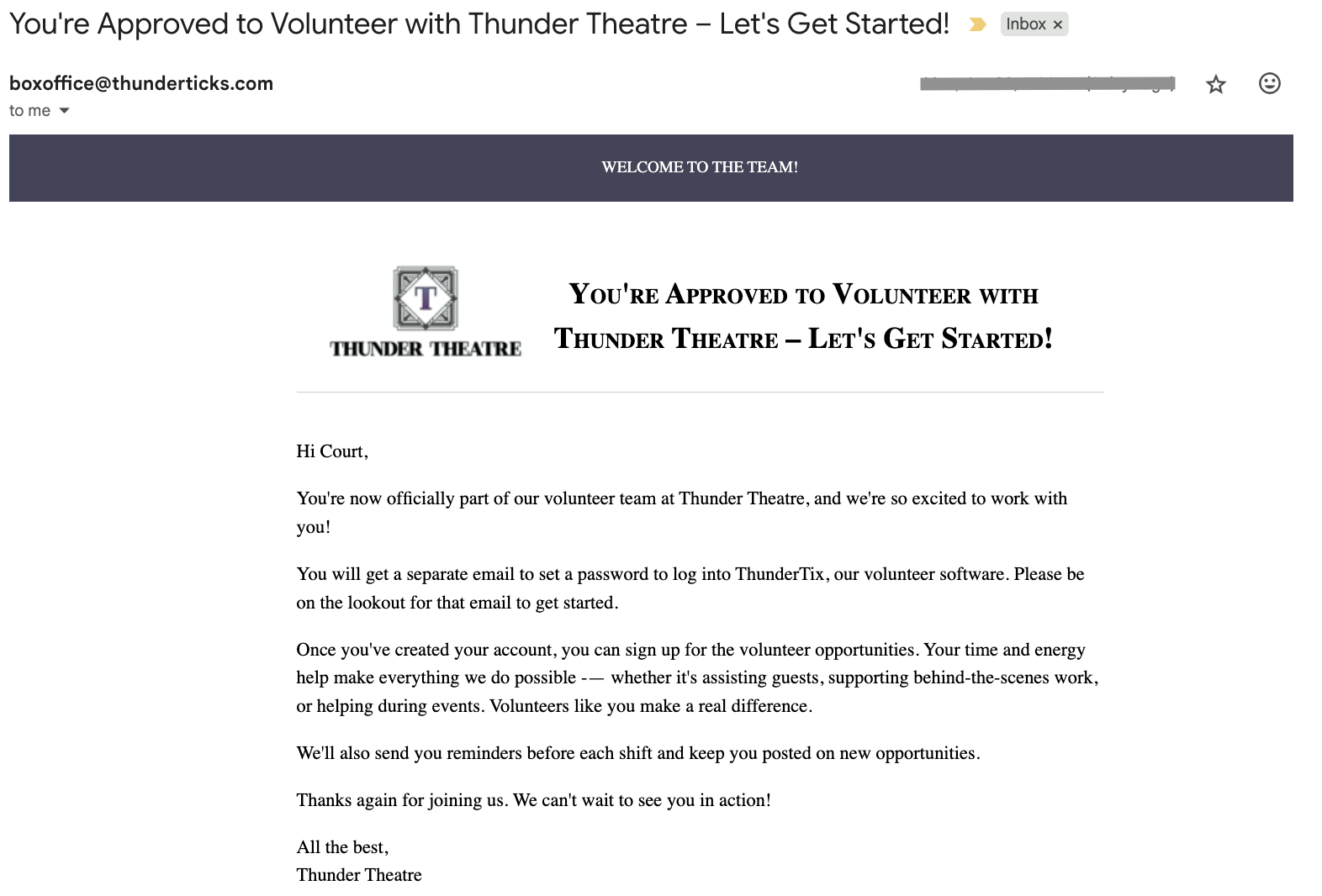
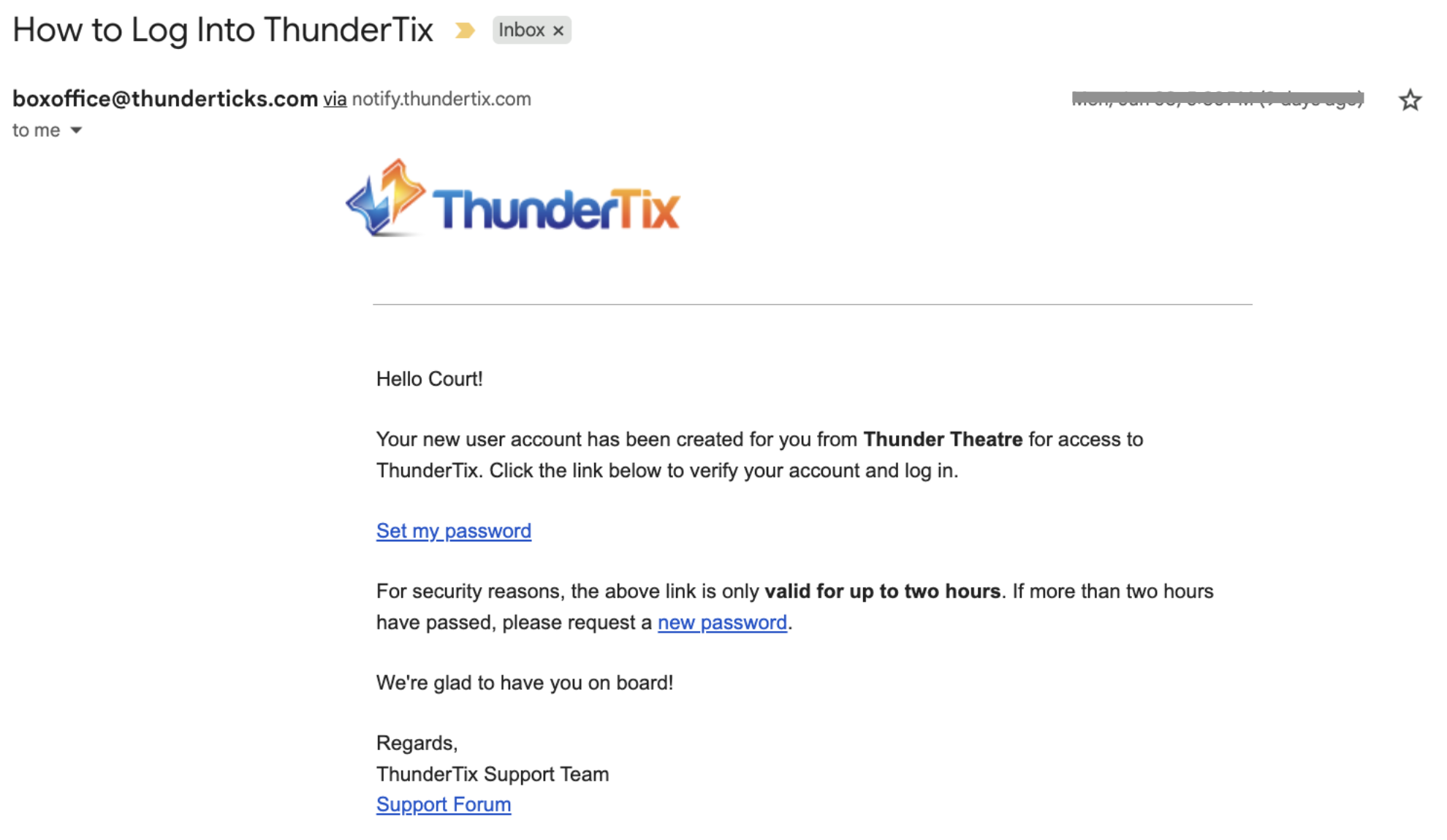
When initially signing up, a volunteer should receive 3 emails, as follows:
The volunteer will receive an email notification, indicating that their application is being reviewed and that they will get another email once their application has been reviewed. It will look something similar to the following, and subject will be Thank you for signing up to volunteer!:
If you choose to "Accept" the volunteer, they will then receive a second email from ThunderTix, indicating that they have been accepted as a volunteer for your organization. It will look similar to the following:
Finally, the volunteer will receive an email from ThunderTix, with login instructions, at which point they can set a password and login, and then begin signing up for volunteer opportunities. That email will be something like the following: