
Support Forum
How can I set up a presale that requires a coupon code at checkout? - Wed - Aug 6, 2025 - 5:14pm
-
 There are two scenarios in which requiring a coupon code at checkout is beneficial. One is to limit an event to a targeted audience, and the other is for flex pass users.
Tickets can be limited to a targeted audience and also limit how many ticket each person is allowed to order by using coupon code(s) as an access code to allow the sale. If you don't want the general public to see the event, we recommend temporarily setting the event to semi-private since it can only be seen by those who have been given the link. Once the event is created, you can email the link only to those who are on your customer list with early-bird privileges.
Follow the steps below to require a valid coupon code for every ticket purchased. Coupons can be set to a $0 discount to simply require early-access tickets or they can provide an actual discount.- Head to: Events > Event Manager
- Click on the name of your event
- Click Purchase Settings
- Under Restrictions and Waitlist > COUPON REQUIRED PER TICKET PURCHASED.
- Click on Disabled to change the setting to Enabled.
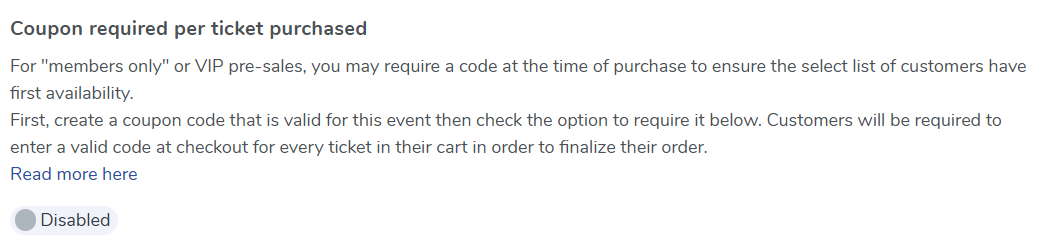
NOTE: if you do not see the COUPON REQUIRED option, that means you have not yet created at least one valid coupon for the event.
Creating unique coupon codes
If you want each person on your list to have their own unique access code, create a coupon code per person on your limited customer list. A quick way to do this is by importing a spreadsheet of coupons so that they're all uploaded at once. Create each coupon as either single use (good for only 1 ticket) or multi-use (good for a limited number of tickets you specify). Email your customer list with a unique code per person. Consider using a value the customer knows as the coupon code like a member ID, customer ID, email address, etc.
If you want to have a single code that you share with your entire customer list, consider instead doing a password-protected pre-sale described above. Share your code(s) to a select group of users.
When the private sale is over, create a task to disable the coupon requirement and change it from Semi-Private to Public.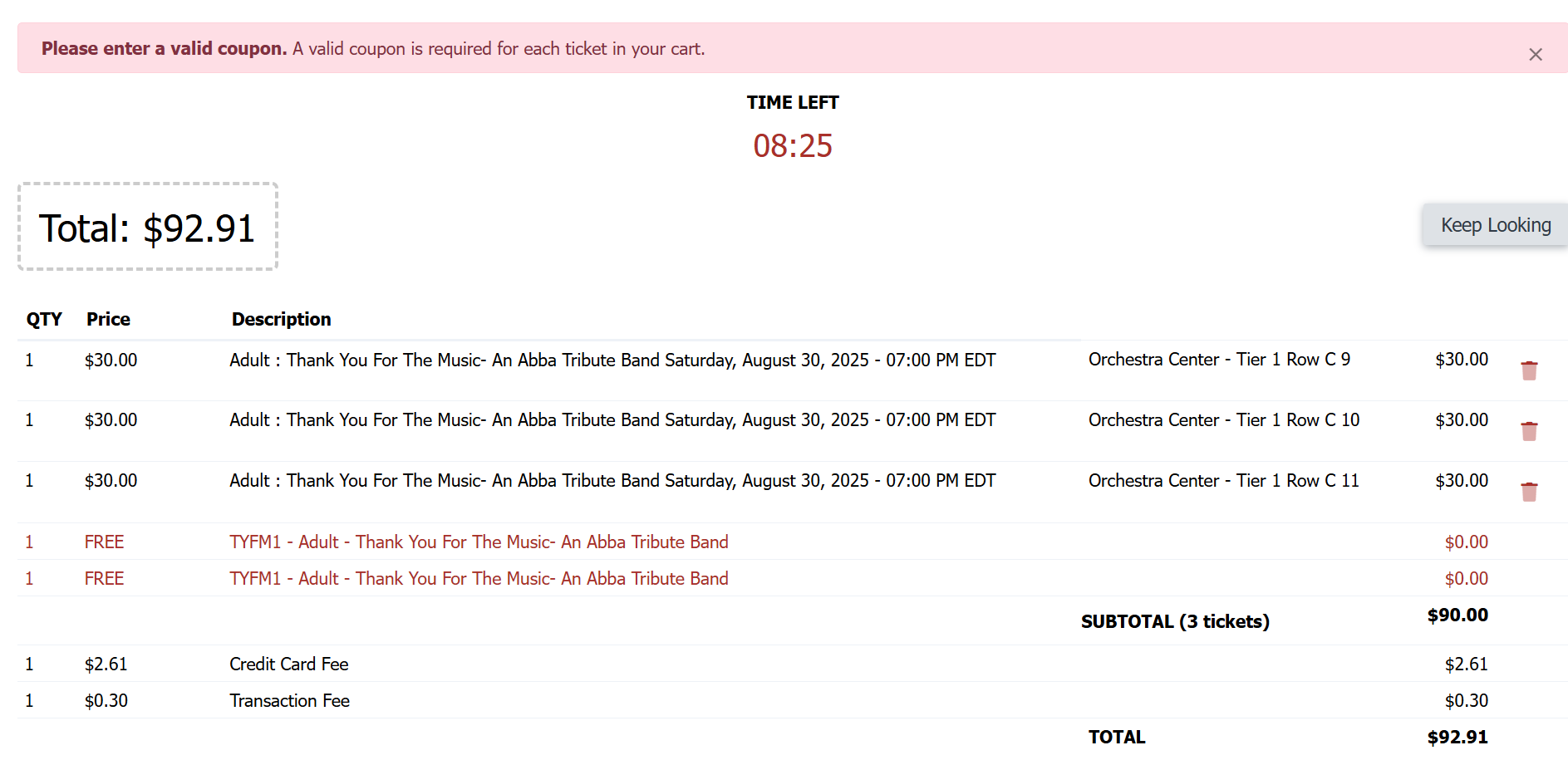
Using the "require coupon code(s) at checkout option" with a Flex Pass:
Oftentimes, you will want Flex Pass purchasers to have early access to events included in the Flex Pass. For these patrons, the COUPON REQUIRED PER TICKET PURCHASED is the voucher code issued from the flex pass purchase. So, you need not create a separate unique coupon code per customer for flex pass users. Rather, your flex pass patrons will use the link in their flex pass purchase confirmation email to redeem their tickets. This voucher link automatically has the code(s) applied at checkout.
If you'd like to set up a password protected presale, please see this discussion:
How can I set up a password-protected pre-sale?
View our video tutorials
Can we collect extra information on an order?
How can I customize a tour date message for the public without making tickets available?
Is it possible to set the maximum number of seats but not change the current defaults?
Can I still sell tickets at the door using ThunderTix after I take my event offline or after it has expired?
Why is one of my event's dates showing as 'Sold Out'?
Is there a way you could show the PDF image we have uploaded just like the Event Image?
How can I make tickets available at box office only 1 hour before show time?
